Upload your photo
Open the generator, pick a canvas size (20×20 up to 50×70 cm) and drop in a photo. Then tune the number of colours and the detail level until the preview looks right.
Upload a photo and get an instant, printable paint-by-number PDF — numbered outline plus a matching colour palette. No signup, no watermark, no limits.
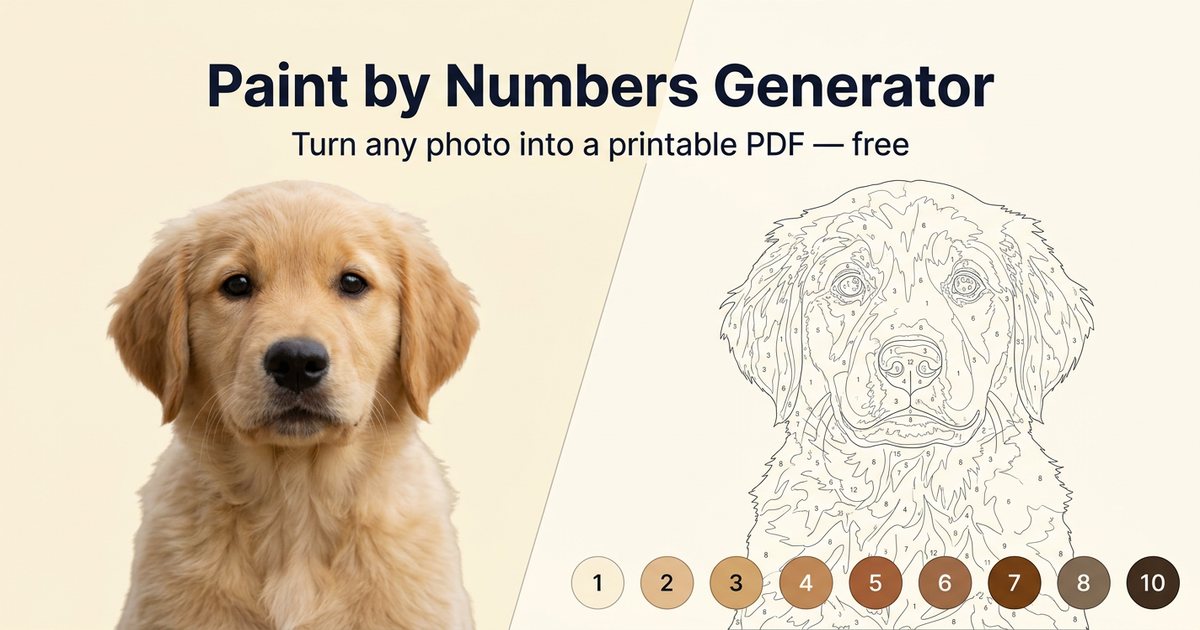
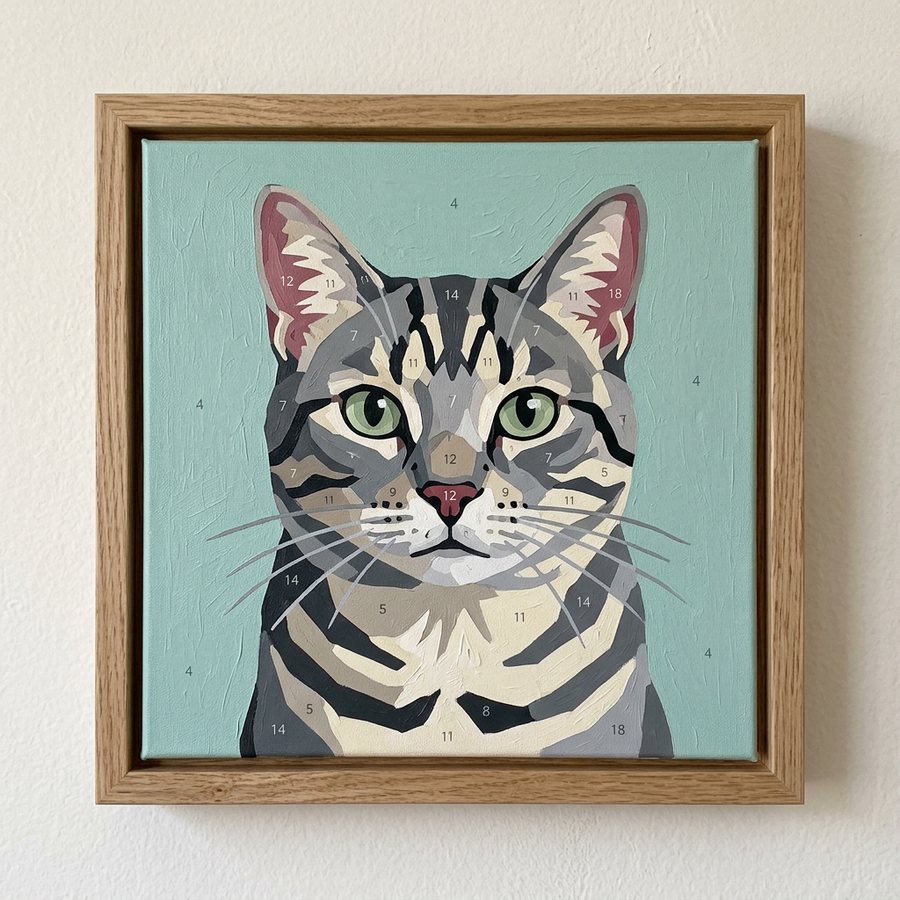
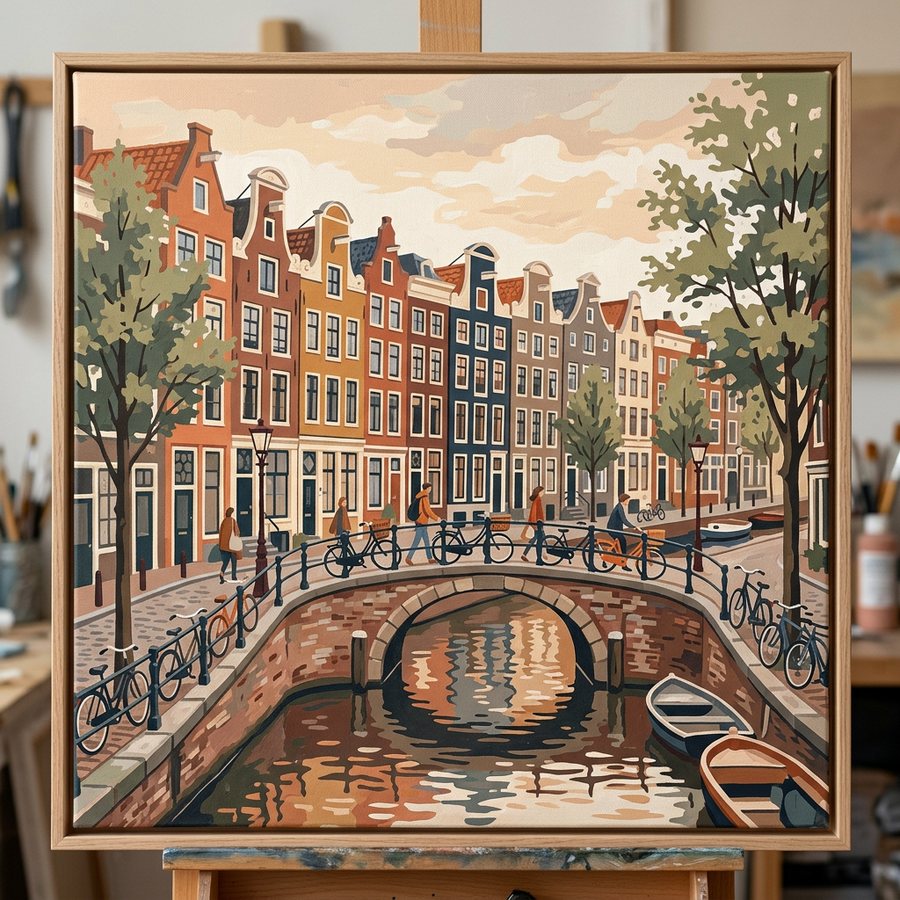
Every painting below started as an ordinary photo.
Custom Paint by Numbers Kit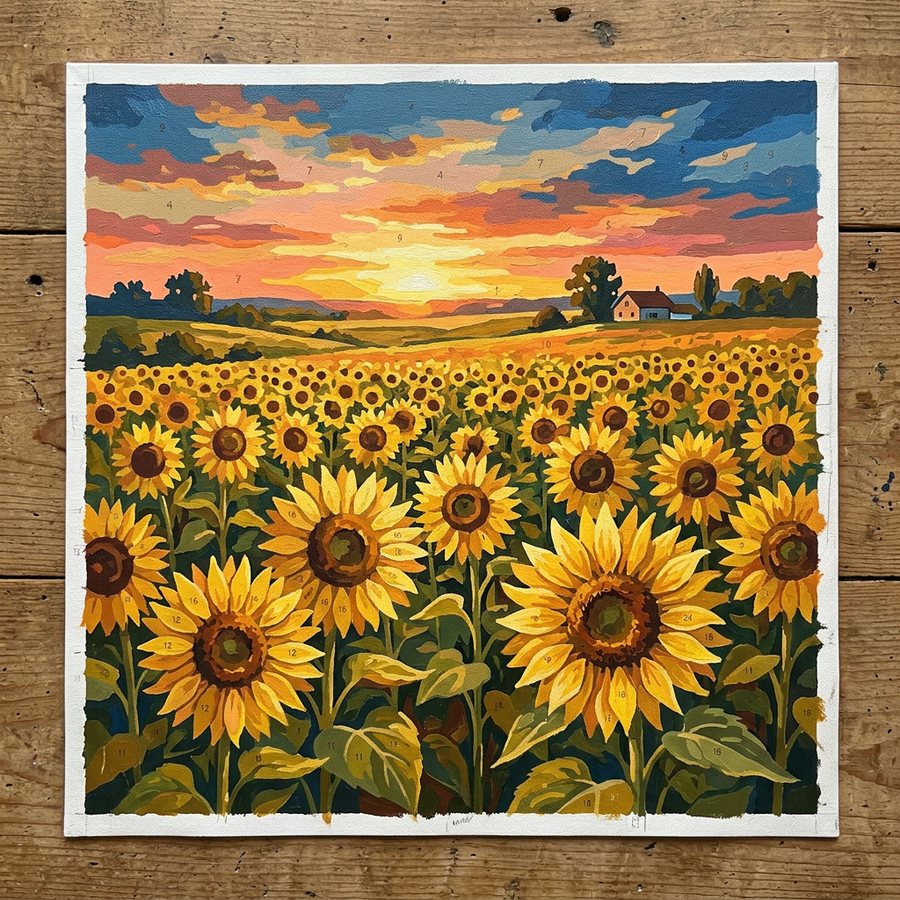
Three steps, about three minutes.
Open the generator, pick a canvas size (20×20 up to 50×70 cm) and drop in a photo. Then tune the number of colours and the detail level until the preview looks right.
Hit download and you get a PDF with your numbered canvas, a colour palette with HEX and RGB codes, and a full-colour reference page. Print it at home or at a print shop.
We recommend acrylics, but the choice is yours. Beginners find a larger paint set easier — it saves time matching and mixing each numbered colour.
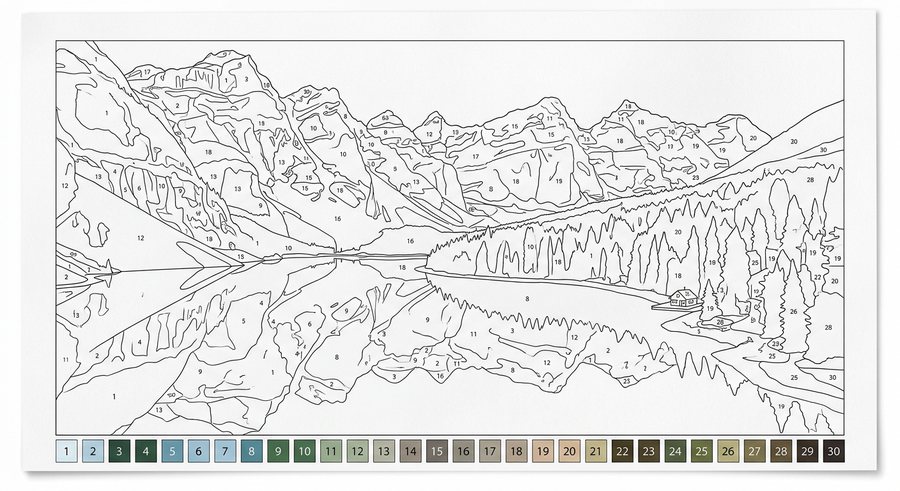
Clean black contours, a number inside every region large enough to hold one, and merged speckle so you are never painting a dot the size of a pinhead.
Conversion runs on your device with HTML5 Canvas. Your photo is never uploaded, so family pictures stay yours.
No account, no credit card, no watermark, no daily cap. Generate as many templates as you like.
Vector-crisp PDF sized for A4 and A3, plus a PNG export if you would rather print from an image editor.
Tiny specks are merged into neighbouring areas, so every numbered region is big enough for a real brush.
A PDF file. The first page is your canvas — the outline with numbered sectors. The second page is your colour palette, with each number matched to a swatch and its HEX and RGB code. The third page is a full-colour reference so you can see the finished result.
No. We do not store any photo you upload. All generation happens inside your browser, which means nobody but you ever sees your photos or the result.
Start with 12–20 colours for an easy, relaxing painting. Choose 24–40 for portraits and detailed landscapes — richer results, but more mixing and more time at the easel.
Almost any colour can be mixed from five paints: white, black, red, yellow and blue. Paste the HEX code from your palette into our Colour Mixer and it will show you the proportions.
We generate a standard PDF, so any print shop can handle it. Print at 100% scale (no “fit to page”) and match the paper to the canvas size you chose. Full walkthrough in our printing and painting guide.
There are no rules — family portraits, pets, landscapes from your last trip. Sharp, well-lit photos with a clear subject give the best templates. Generating is free, so try as many as you like.
No. Generating and downloading your paint-by-numbers PDF is completely free and requires no account or email address.
Upload a picture and download a printable paint-by-numbers PDF right now — free, private, and no signup.